

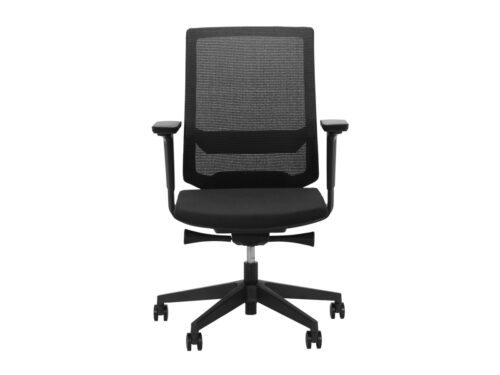
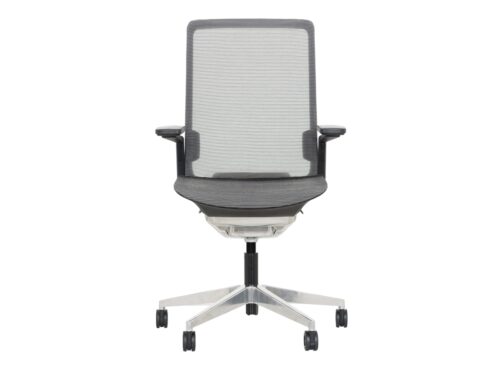
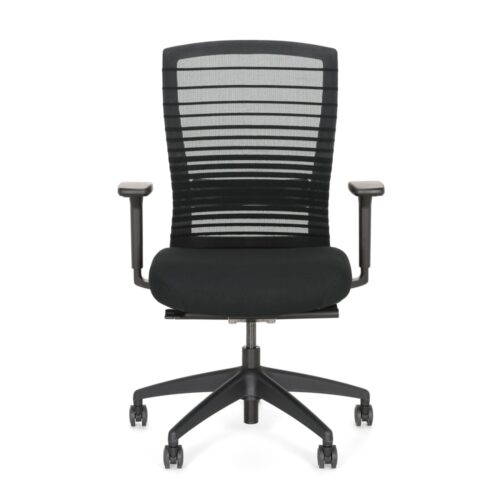
Adaptable Arm Support For Desk Work

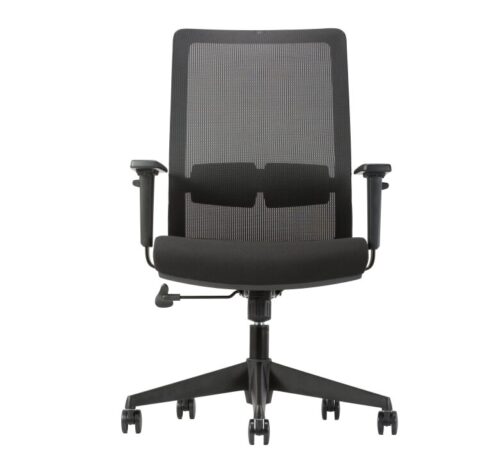
The value of 4D armrests lies in how their available adjustments let users position the arm supports for their body dimensions, desk height and working activities. Rather than assuming that the description guarantees a particular arrangement, examine the movements provided by the actual chair. The most useful comparison shows whether each user can find an appropriate arm position while remaining suitably placed at the workstation.

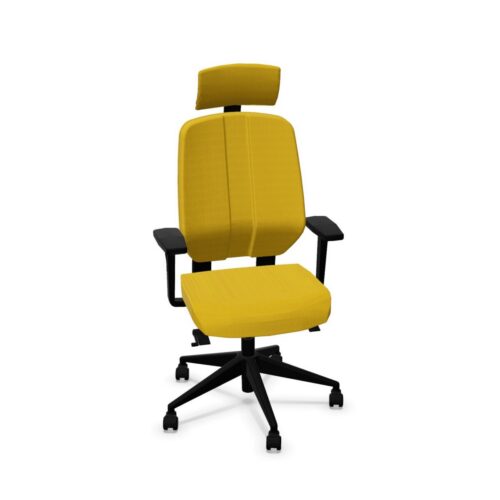
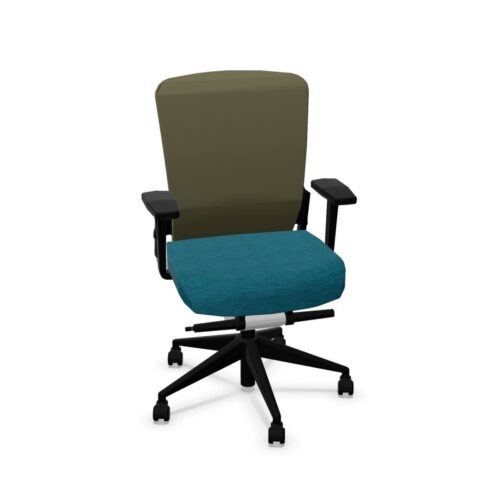
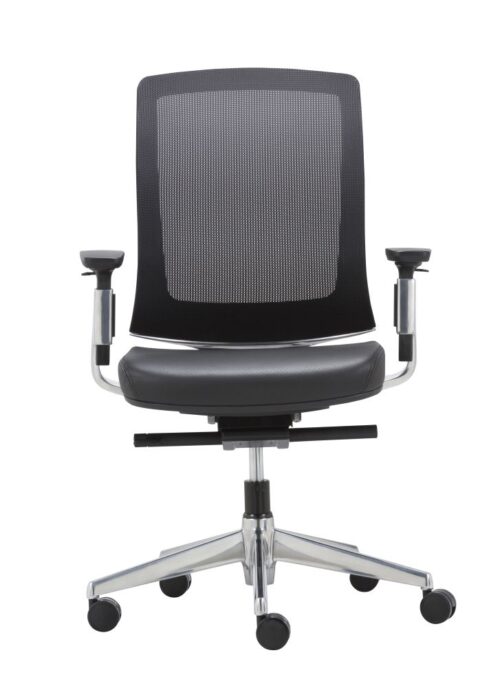
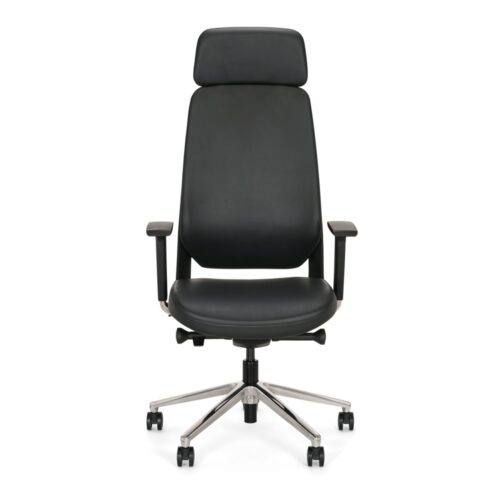
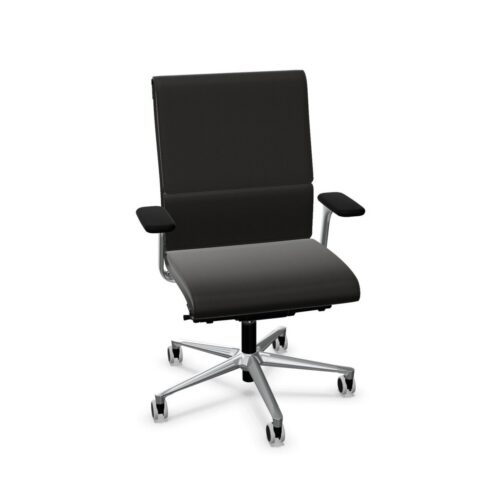
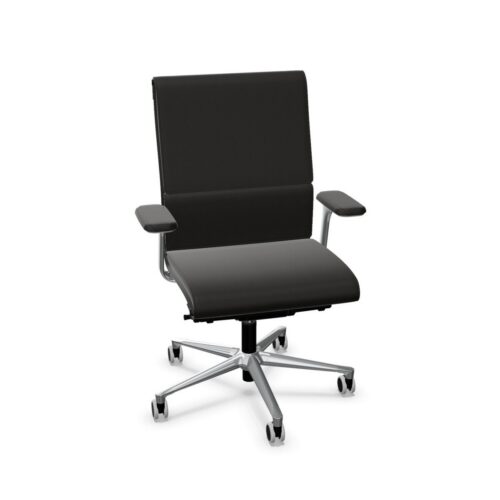
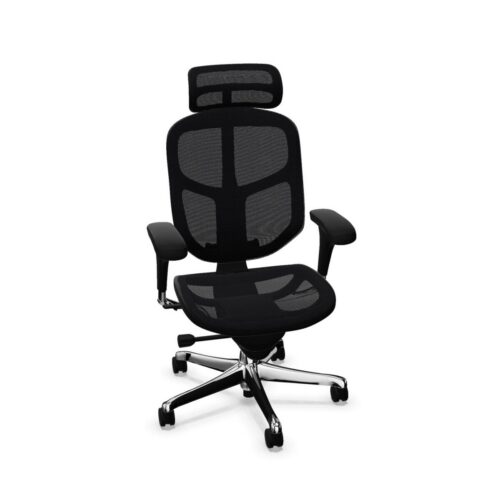
These chairs combine extensive arm support adjustment with different seating configurations. Manual height adjustment and synchronous mechanisms are represented, while lumbar support, headrests, seat depth adjustment and back height adjustment vary. An office manager should assess the armrests as part of that complete system. Check their relationship to the desk, the user’s seated position and the way work changes during the day. Then establish which adjustments are necessary for individual desks, shared seating or more specialised office roles.

2 models
From €19.64 p/m
7 models
From €2.97 p/m
€11.25 p/m
€13.51 p/m
€4.49 p/m
10 models
From €7.46 p/m
2 models
From €45.80 p/m
18 models
From €15.83 p/m
2 models
From €25.56 p/m
4 models
From €5.86 p/m
4 models
From €13.45 p/m
2 models
From €6.72 p/m
4 models
From €16.73 p/m
15 models
From €8.36 p/m
6 models
From €7.38 p/m
3 models
From €10.09 p/m
28 models
From €11.77 p/m
11 models
From €11.77 p/m
€8.79 p/m
€10.43 p/m
€7.36 p/m
€13.51 p/m
€7.97 p/m

Make The Armrest Movements Explicit

Ask for a demonstration of every adjustment provided by the proposed 4D armrests. The description indicates extensive adjustability, but the exact directions, control arrangement and movement limits need confirmation for the chair. Have users identify the positions they need for their work, then check whether those positions can be achieved and repeated. Record the practical result rather than relying on the term alone. This also creates a clearer brief when comparing chairs whose armrests share a description but may operate differently or offer different usable positions at the same workstation.

Check The Relationship With The Desk

Arm supports should be assessed where the chair will actually be used. Consider the height and shape of the desk, the user's position relative to the work surface and any clearance needed when approaching or leaving it. A suitable armrest position needs to coexist with a suitable seated position. Ask the user to carry out the relevant tasks and change position as they normally would. Note where an adjustment helps and where a desk or chair dimension limits the result, so that the final decision addresses the whole workstation.

Set The Seat Before Refining Arm Support

Armrest adjustment cannot answer every question about chair fit. Seat height, seat depth and back height arrangements vary within this selection, as do lumbar support and headrests. Establish those details before fine-tuning the arms. A synchronous mechanism adds coordinated seat and backrest movement, while a manually height adjustable arrangement has a different stated function. Assess the arm supports in the positions the user will adopt with the chosen mechanism. For shared chairs, compare whether people can return the seat and arms to their own suitable settings without uncertainty.

Separate Specialist Roles From General Features

The selection includes task, executive, operator, 24/7 and ESD chair types, among others. The presence of 4D armrests does not establish suitability for any specialised requirement, so request the relevant evidence when a role demands it. EN 1335 and ANSI/BIFMA X5.1 are represented, alongside differing fire resistance designations. Confirm documentation for the intended configuration. Fabric, mesh and PU leather are among the material choices, with warranties of two or five years depending on the chair. Include care requirements, applicable warranty terms and the stated 135 kg maximum user load in the final comparison.

Practical Questions About 4D Arms

Do all 4D armrests move in identical ways?

The description establishes extensive adjustment, but the precise movements and ranges must be checked for each chair. A demonstration is more useful than assuming that every armrest offers the same positions or uses the same controls.

Can adjustable arms compensate for an unsuitable seat?

They address arm support, while seat fit remains a separate requirement. Evaluate seat height, depth and backrest position first, then assess whether the armrests complete a suitable working arrangement at the intended desk.

What should shared users try?

Each user should establish a seated position, adjust the arms and perform representative tasks. Check whether they can find useful settings and repeat them after another person has used the chair, including any necessary desk clearance checks.

Explore related selections