

Office Cabinets with No Hanging File Frame and Three Shelves

Office Cabinets with No Hanging File Frame and Three Shelves

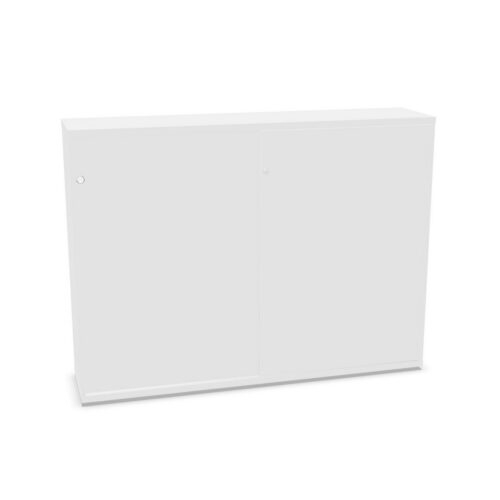
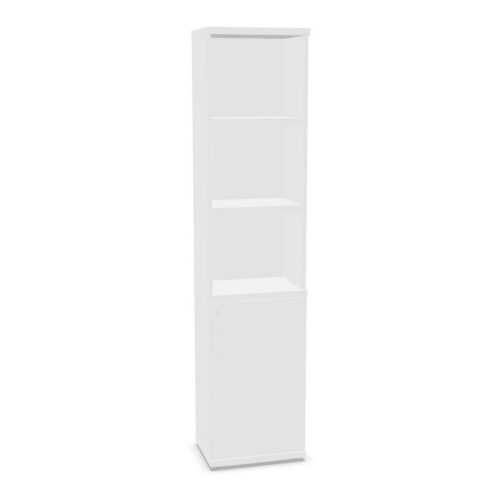
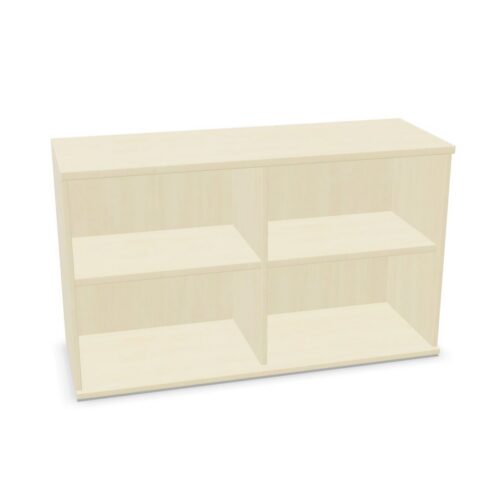
This group brings together office cabinets with three shelves and the no hanging folder frame value. These attributes narrow the search, but they do not describe shelf spacing, adjustability or all interior fittings. Check the exact model to understand what is supplied and how the space is arranged. Verify whether shelves are fixed and confirm the usable compartment sizes.

Three shelves can create several storage levels, but usable capacity depends on internal measurements and shelf positions. Confirm whether the shelves are fixed or adjustable and whether a filing accessory is compatible if that matters to your work.

Compare intended contents, door access, loading advice and room fit before choosing. Product-specific details help determine whether the cabinet supports the storage task and remains accessible in daily use.

2 models
From €18.55 p/m
4 models
From €6.01 p/m
2 models
From €5.51 p/m
5 models
From €15.31 p/m
13 models
From €2.44 p/m
2 models
From €5.51 p/m
2 models
From €8.38 p/m
2 models
From €4.22 p/m
2 models
From €6.38 p/m
3 models
From €16.21 p/m
2 models
From €23.68 p/m
8 models
From €8.24 p/m
8 models
From €6.81 p/m
10 models
From €4.78 p/m
20 models
From €4.14 p/m

Verify the no-frame value

The catalogue value indicates that a hanging folder frame is not listed for the product. It does not answer whether a frame can be added later. If hanging files are needed, confirm accessory compatibility with the manufacturer for the exact cabinet.

When shelves are the preferred method, assess how files, binders or supplies will fit. Check the interior measurements and the door opening. Choose a layout that gives users clear access without requiring them to shift other materials.

Check the three-shelf configuration

Confirm what the product means by three shelves and whether all are included. Review shelf positions, spacing and load recommendations in the specification. The count alone does not show how much usable room each compartment provides.

Compare those clearances with the contents to be stored. If shelves can be moved, plan their positions before loading. Follow assembly instructions and avoid placing items beyond the model’s stated weight limits.

Organise several storage levels

Three levels can separate work materials by purpose, frequency or owner. Use categories that are easy to understand and place the most frequently used items within comfortable reach. Labels help users put supplies back in the right place.

Shared cabinets need periodic review. Assign someone to remove obsolete items and update labels as projects or teams change. This prevents one shelf from becoming a catch-all and keeps the cabinet useful for current work.

Measure room fit and user access

Check internal dimensions for contents and outer dimensions for the proposed location. Allow space for doors, handles and people approaching the cabinet. Review delivery access and any assembly or anchoring steps before arranging installation.

After setup, verify that every shelf can be reached safely and the doors do not obstruct a route. Reassess the position after room changes. Keep loading and installation instructions with the model record.

Compare the exact product details

Review the shelf configuration, frame compatibility, interior size, cabinet construction, access and care requirements together. Products with the same filter values can still differ in important ways. Record the model reference and the information used to make a choice.

If storage needs change, confirm whether the three-shelf layout still works. When replacing the cabinet, recheck the actual interior and any accessory compatibility instead of relying on a matching attribute label.

Ongoing review

Keep shelf positions and access in the product record so future users understand the intended arrangement. Review contents when work changes and update the categories rather than allowing unrelated supplies to build up. If accessory needs change, confirm compatibility before ordering fittings. For shared use, tell colleagues which categories belong on each level and who maintains them. A check after a team move can reveal that the shelf layout no longer supports current work. Keep the exact cabinet specification, shelf details and loading instructions together so users and facilities staff can refer to the same information. Before adding or replacing a cabinet, compare the actual interior and shelf support with current contents. Check that users can reach items safely and that the setup matches the loading instructions. Update the facilities record if the configuration changes.

Frequently asked questions

Are three shelves spaced evenly?

Not necessarily. Check the layout and measurements for the exact model.

Can a hanging frame be added?

Compatibility varies. Confirm with the manufacturer or product specification.

What helps shared shelf storage?

Clear categories, labels and regular reviews of the contents.

Explore related selections