


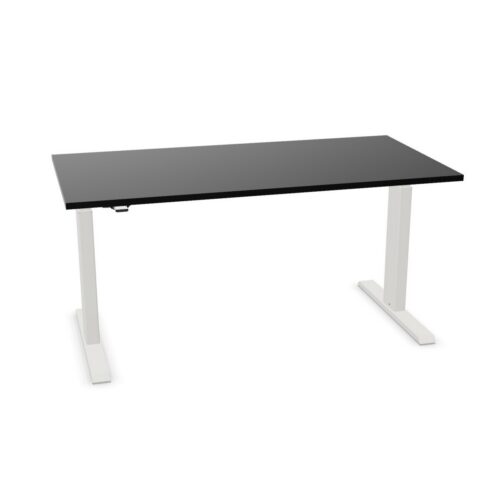

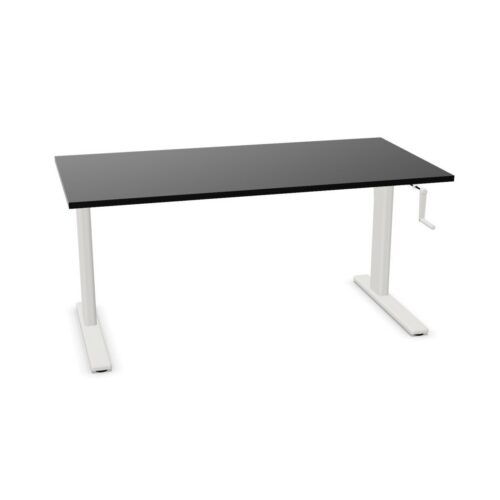


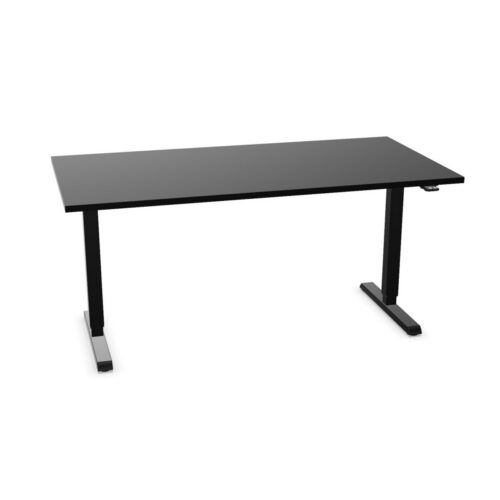

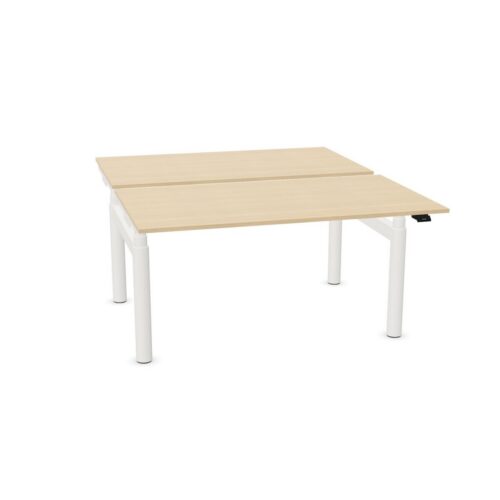

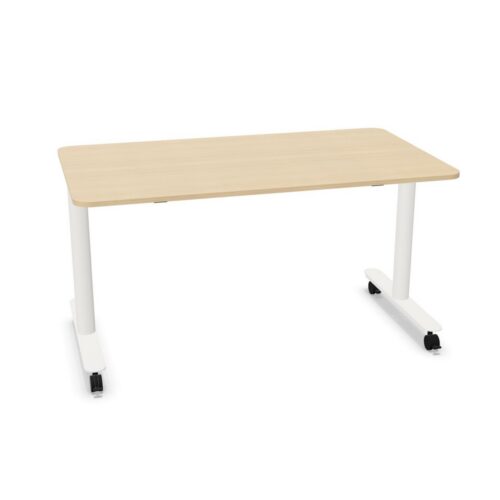
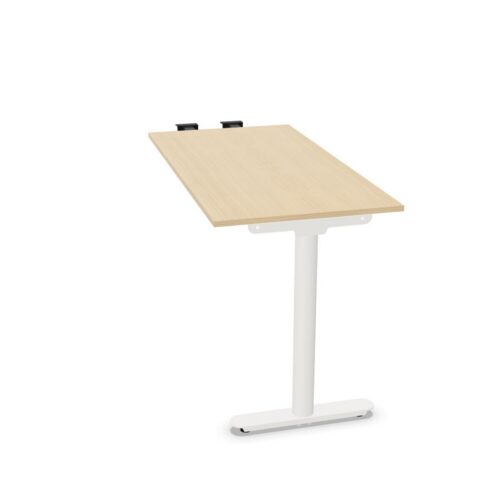
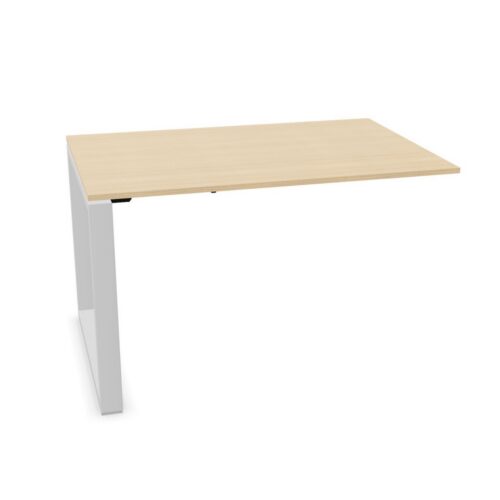


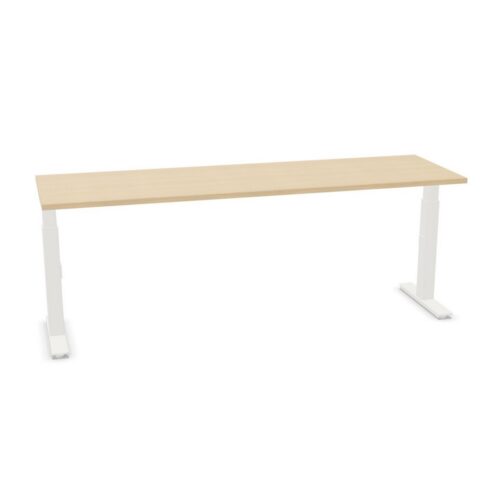

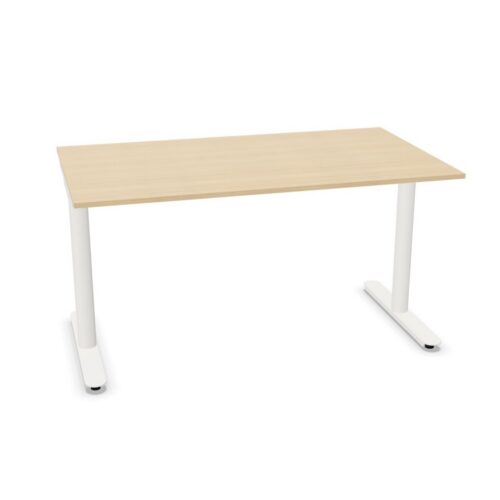




Use a white surface to keep the workstation visually open
White can help a workstation feel lighter in a bright room and can create contrast against darker flooring or storage. It also provides a neutral backdrop for monitors, task lights and other equipment. Compare the product finish with nearby furniture because white tones and textures can vary. When several desks are planned together, matching the exact product finish can help create a consistent look.
Think about the wider interior rather than choosing a surface in isolation. Pale walls and storage can make the desk feel integrated; wood or colored accents can add warmth and distinction. Consider the room's lighting and how the desk appears beside seating and partitions. A well-planned white work surface can bring visual clarity without requiring every other item to use the same finish.
Plan the value of changing working height
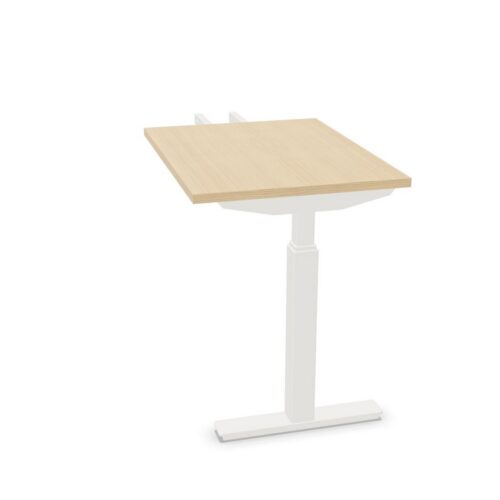
Height adjustment allows the work surface to be set for different users, tasks or working positions. It can be useful in an individual workstation where a person changes their routine, or in a shared desk area that needs to accommodate colleagues. Consider how often the position will change and what equipment must remain stable while the worktop is adjusted.
Check the movement area around the selected desk. Screens, monitor supports, lighting, storage and power leads should not obstruct the adjustment. Cables need a route that accommodates movement without pulling or catching. Product configurations differ, so review each model's mechanism and accessory details. Avoid assuming that one desk's controls or included components apply to every option in the selection.
